
Installation and configuration
Setting up SOLECTRUS takes (almost) no Docker or Linux knowledge. A small helper app called HELIOS installs, configures and manages everything for you.
A single command in the terminal is enough – whether for a fresh installation or adopting an existing one. The rest happens in your browser.
curl -fsSL https://raw.githubusercontent.com/solectrus/helios/main/bootstrap/install.sh | bashOn the first visit
HELIOS shows you the exact address at the end of the installation – something like
http://<ip>:3999
. Open it in your browser.
-
Log in
With the password HELIOS shows at the end of the installation.
-
Set up
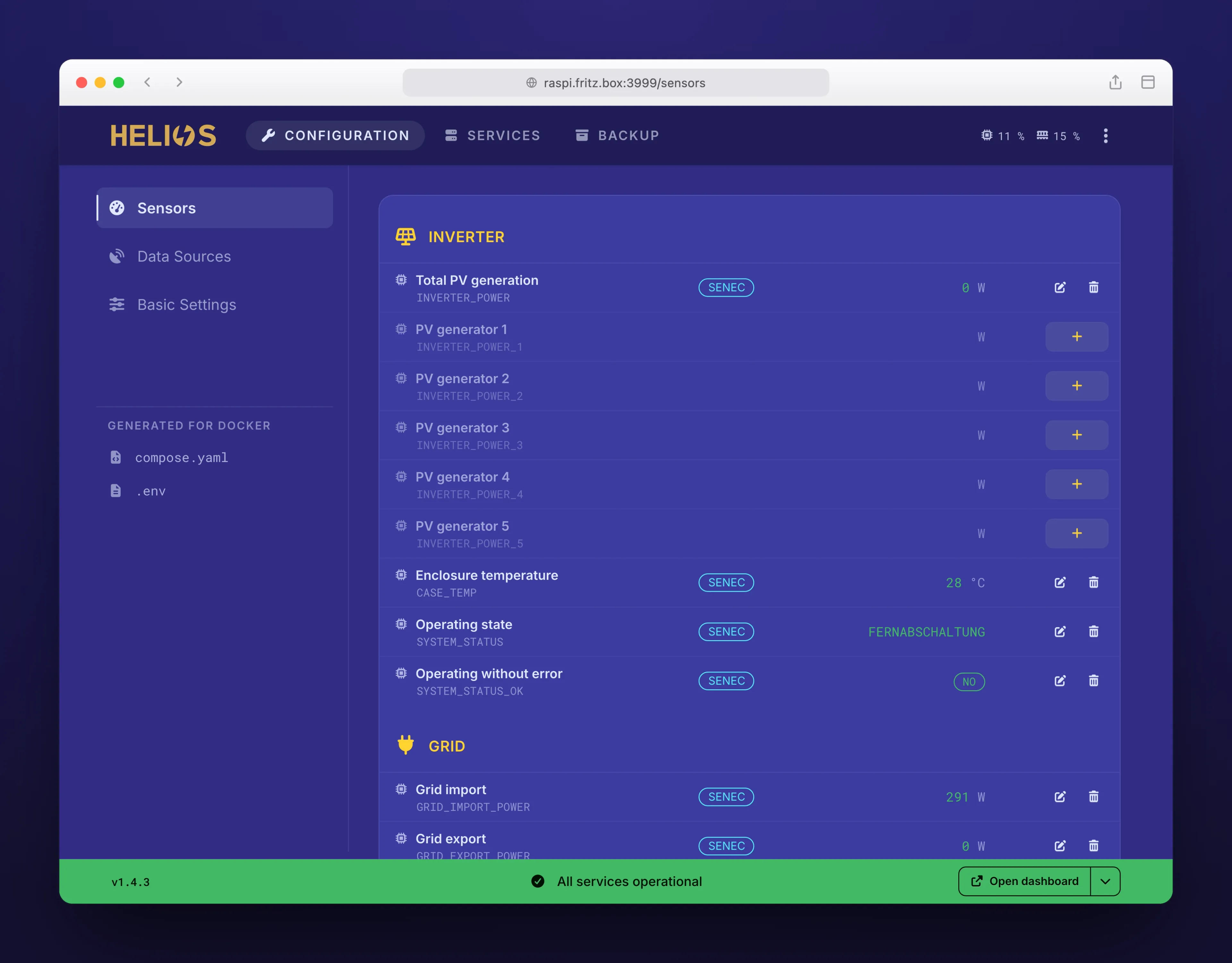
Configure your sensors using forms.
-
Start
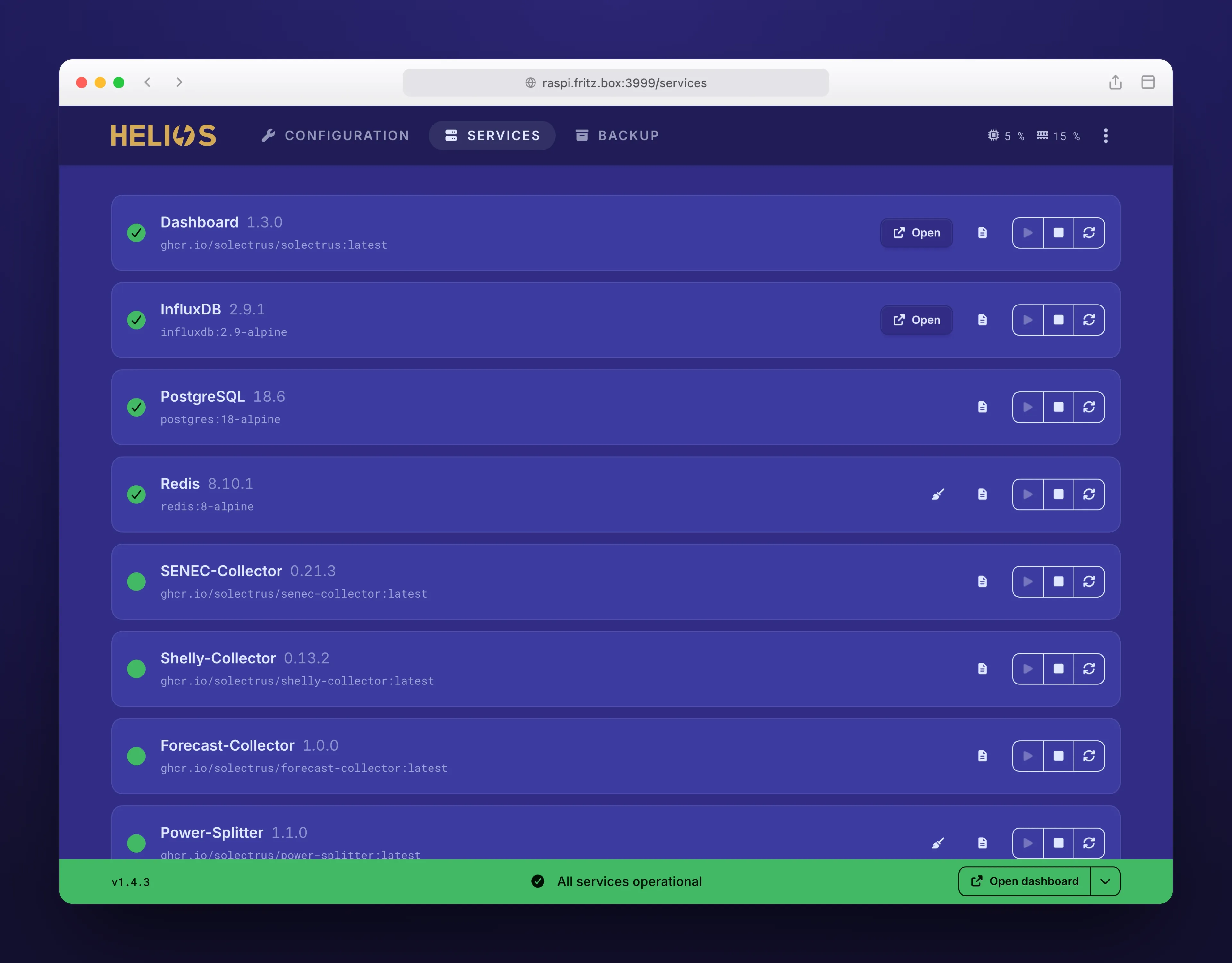
Start the services – your dashboard is ready.
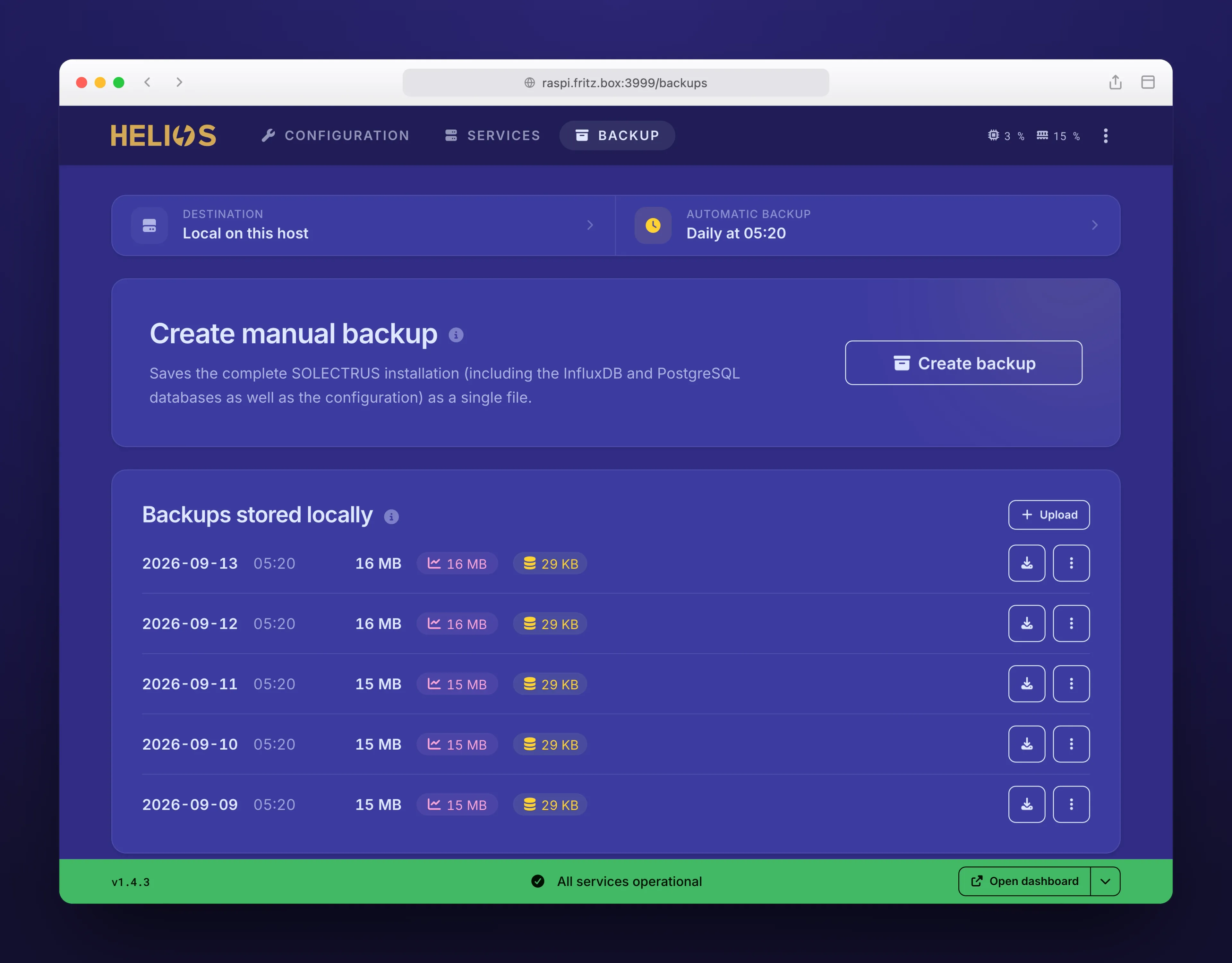
Here’s how it looks
Everything in the browser, no command line.
What HELIOS does for you
-
Set up sensors
Inverter, battery, heat pump and wallbox are configured through forms.
-
Control services
Start, stop and update services in the browser instead of the command line.
-
Reuse what exists
An existing SOLECTRUS installation is imported and reused.
-
No Docker knowledge
HELIOS manages the Docker configuration; it doesn’t need to be edited by hand.
-
Backups
Backups of configuration and readings can be set up in the browser.
-
Updates
New versions of all services are installed, database migrations included.
-
Databases included
PostgreSQL, Redis and InfluxDB are installed and managed together.
-
Log files
The log files of all services can be viewed in the browser.
What you need
A Linux device that runs around the clock. HELIOS installs Docker automatically if needed.
For example, any one of these:
- Home server
- NAS
- Mini PC
- Raspberry Pi
- Cloud server
- Memory 1 GB minimum 2 GB recommended
- Free disk space 1 GB minimum 5 GB recommended
Where the readings come from
SOLECTRUS needs access to the readings. There are several ways to get them:
- SENEC & Shelly SOLECTRUS reads SENEC battery storage and Shelly energy meters directly – no extra software in between.
- Home Assistant The official integration sends the readings of your Home Assistant devices directly to SOLECTRUS. To the Home Assistant integration ❯
- ioBroker The community adapter sends the readings of your ioBroker devices directly to SOLECTRUS. To the ioBroker adapter ❯
- MQTT Many other devices that publish their readings via MQTT can be connected directly this way.
Something not working?
Open an issue on GitHub – ideally with a support bundle that HELIOS creates at the push of a button. Every report is welcome.